Safe smashing
Windows keys, Alt+Tab, and the Start menu are disabled so babies stay in the fun.
Free baby-proof computer fun since 2008
Baby Smash! turns every random key press into bright shapes, happy sounds, and numbers that dance across the screen—without letting little ones break your computer.
Every tap or key press fills the background with bold letters and confetti shapes. Sit back and the magic continues all on its own.
Ready to smash!
Baby Smash! is simple, delightful, and safe. Every pop of the keyboard creates a surprise while keeping your desktop locked down.
Windows keys, Alt+Tab, and the Start menu are disabled so babies stay in the fun.
Bright shapes, numbers, and letters dance across the screen with every key press.
Change sounds, adjust your fonts, put faces on shapes, and add even more fun.
Created by Scott Hanselman for his own kids—now loved by families worldwide.
Ready to play? Download the installer and you're set. Auto-updates keep you current!
Looking for Linux or other platforms? View all releases →
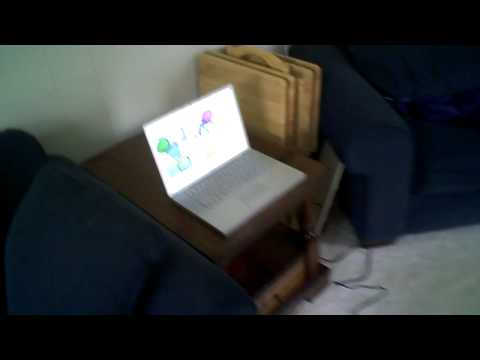
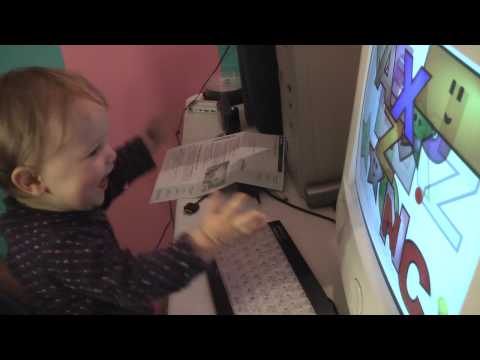
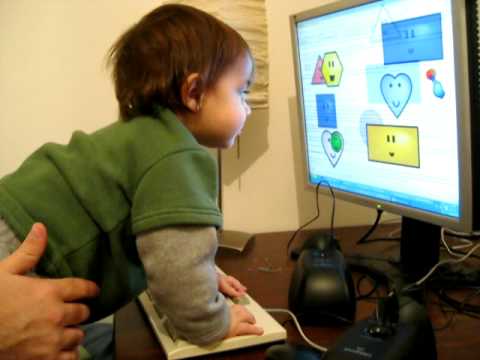
See Baby Smash! delight little ones around the world.
Explore a few classic Baby Smash! moments straight from the screen.


Baby Smash! was created in 2008 so Scott’s kids could explore the keyboard safely. Inspired by the Mac classic AlphaBaby, it keeps computers secure while delivering instant joy.
The app locks down the Windows key, Ctrl+Esc, and Alt+Tab so nothing important gets closed. Parents can exit anytime with Alt + F4 or open options with Shift + Ctrl + Alt + O. Baby Smash! remains free, open to community feedback, and continually refreshed with love from the Hanselman family.
Have ideas or want to share a Baby Smash! story? Reach out via Scott’s contact page or tag @shanselman on social media.